
What website does a shop in Luxembourg need? A practical guide
A shop doesn’t need a complicated catalogue to be visible online. What it needs is a reliable presence that turns a local search into a visit, a call or an enquiry. Here are the choices that really matter, without piling on features you don’t need.
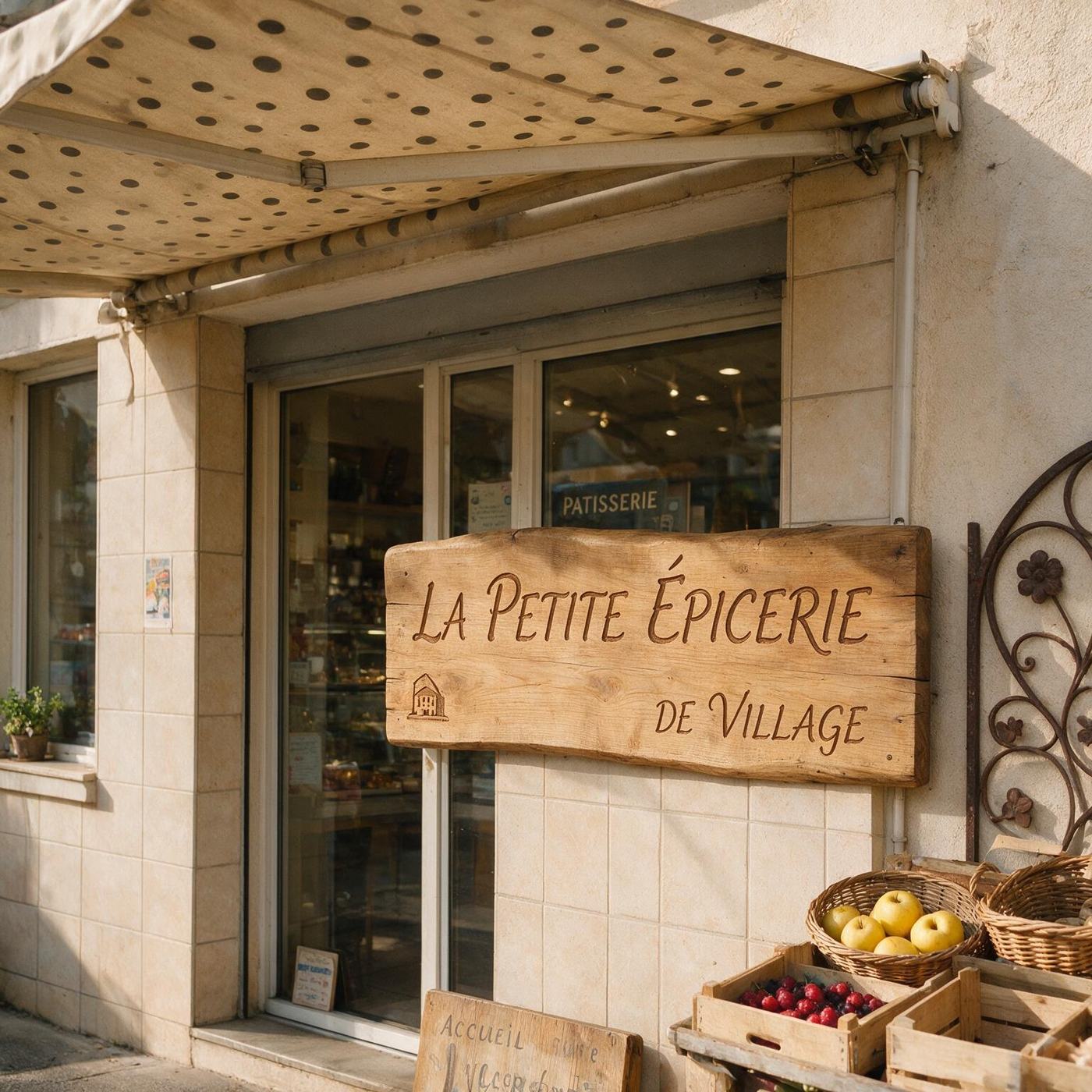
1. Start with the journey to your shop
Potential customers often discover a shop on their phone. They want to check the address, opening hours, the products or services on offer and how to reach you. Your main goal might be “Directions”, “Call”, “See our selection” or “Check availability”. Choose one main action and make it visible right from the start.
2. Which pages do you need?
The structure depends on what you offer. A shop with a focused range can start with a sales-focused home page, a product overview, practical information and a contact section. A shop with several distinct ranges deserves separate pages if each one has real content to offer: clothing, home decor, repairs, delivery or events, for example.
3. How do you make the website useful on mobile?
Buttons should be large enough, text easy to read and images properly sized. Show the address as text, a tap-to-call phone link and your opening hours in an area that is easy to find. Test the journey with one hand: if visitors have to zoom in or hunt for the call button, the page is losing a sale.
4. Google and local visibility: what can the website do?
Your website does not replace your Google Business Profile, but it gives it a reliable destination. Link the two with consistent information: name, address, phone number and opening hours. Describe your business and your area naturally, without creating an empty page for every town. Photos should show your actual shop or products whenever you have them.
5. How should you compare prices?
Don’t just compare the advertised price. Check what is included: copywriting, domain, hosting, professional email address, HTTPS certificate, revisions, updates and any sales commissions. An affordable solution can make sense if its scope is clear and it saves the shop owner from handling technical tasks alone.
6. When is a website in 24 hours realistic?
Fast delivery is possible for a suitable brochure website, once the questionnaire, contact details, photos and key choices are ready. An online shop, synchronised stock, online payments or a customer account area all need extra testing. The short turnaround comes from a well-controlled process, not from a promise that applies to every project.
7. Checklist before going live
Before publishing, check the address, phone number, opening hours, directions links, the contact form and how the site looks on iPhone and Android. Also check for a unique title, a clear description, a single H1, useful alt text and no broken links. Ask someone who doesn’t know the site to find the key information in under a minute.
FAQ
Does a shop need an e-commerce website?
Not necessarily. If the main aim is to present the shop and bring in visitors, a brochure website may be enough. Selling online makes sense once you are genuinely ready to manage orders, payments and stock.
Your shop deserves a clear online presence.
Tell us about your business and we’ll point you towards the right structure.
Describe my project ›